Check your resume against any job
Paste your resume and a job description to get an instant ATS compatibility score with missing keywords.
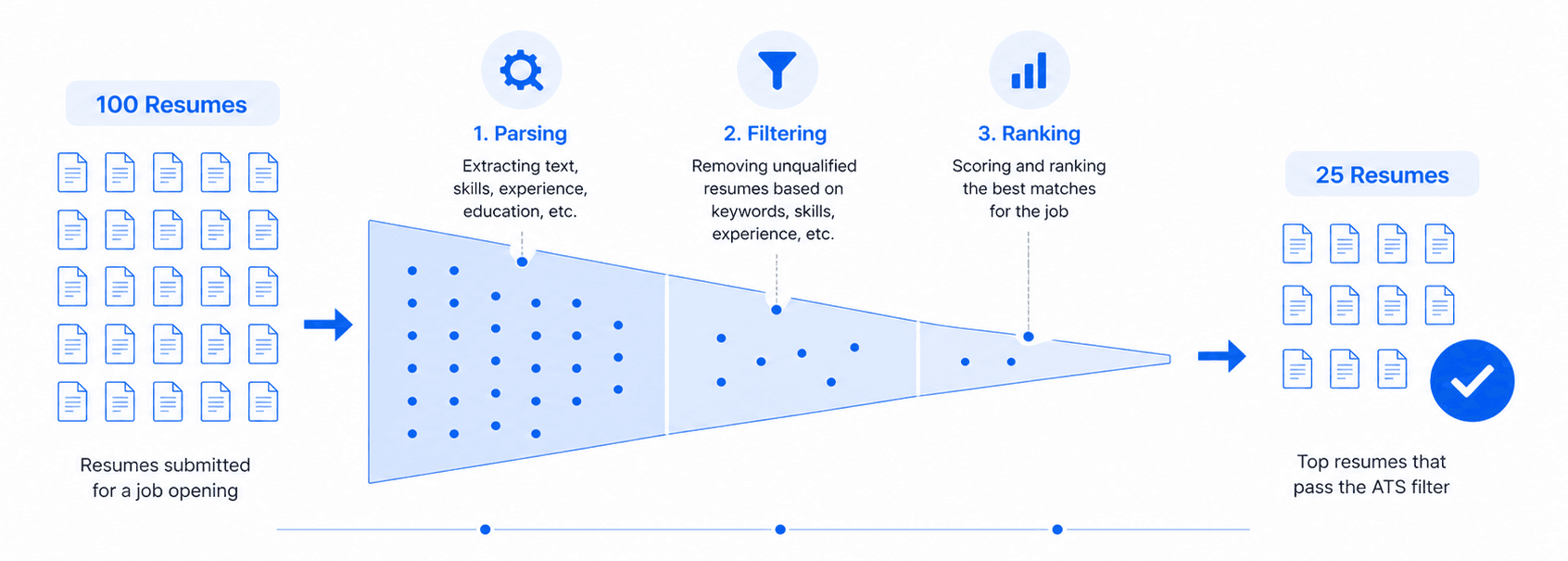
Most resumes never reach a human. Our checker helps you fix that before you apply.
Paste your resume and job description
0 characters
0 characters
What is an ATS?
An Applicant Tracking System is software that over 90% of Fortune 500 companies use to manage job applications. Before a recruiter ever sees your resume, the ATS scans it for keywords, skills, and qualifications that match the job posting.
Resumes that lack the right keywords get automatically filtered out, even if the candidate is qualified. Studies estimate that 75% of resumes are rejected by ATS before reaching a human reviewer.
Our free checker compares your resume against the job description to identify exactly which keywords you have and which are missing so you can fix the gaps before you apply.
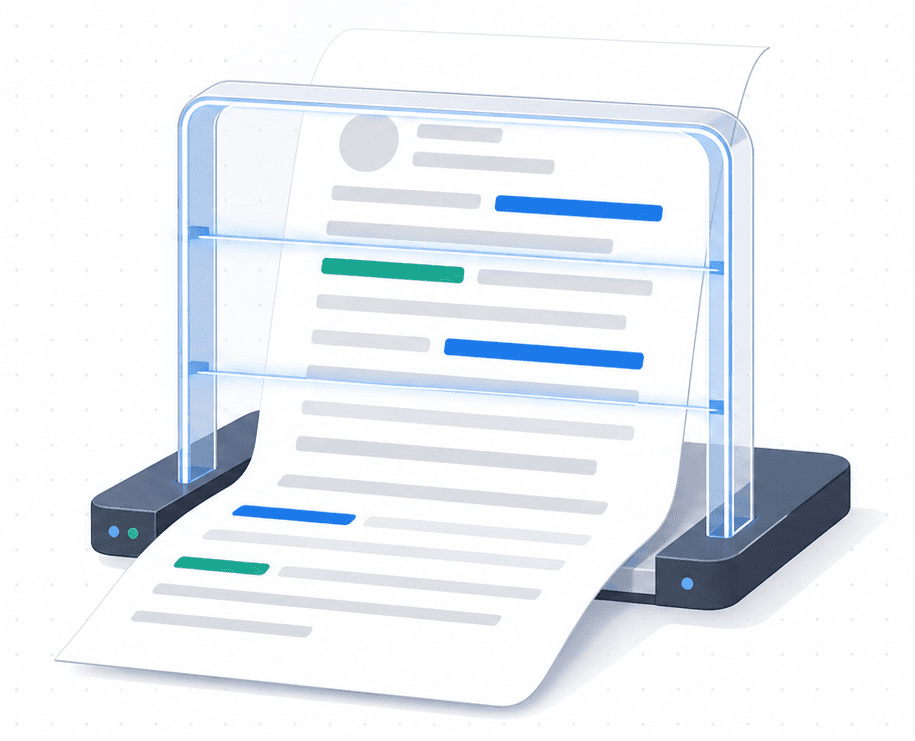
How to beat ATS filters
Practical tips to get past the bots and in front of real people.
Use exact keywords from the job posting
ATS systems match literally. If the job says "project management" don't write "managed projects." Use the exact phrase.
Include both acronyms and full terms
Write "Continuous Integration/Continuous Deployment (CI/CD)" so the ATS catches both formats.
Stick to a single-column layout
Two-column layouts, tables, and text boxes confuse most ATS parsers. Use simple formatting with standard headings.
Avoid images, headers, and footers
ATS cannot read text embedded in images, charts, or document headers/footers. Keep everything in the main body.
Tailor for every application
One generic resume won't pass. Customize your skills and keywords for each job description you apply to.
Use standard section headings
Use "Work Experience" not "My Journey." ATS looks for conventional headings like Experience, Education, Skills.